
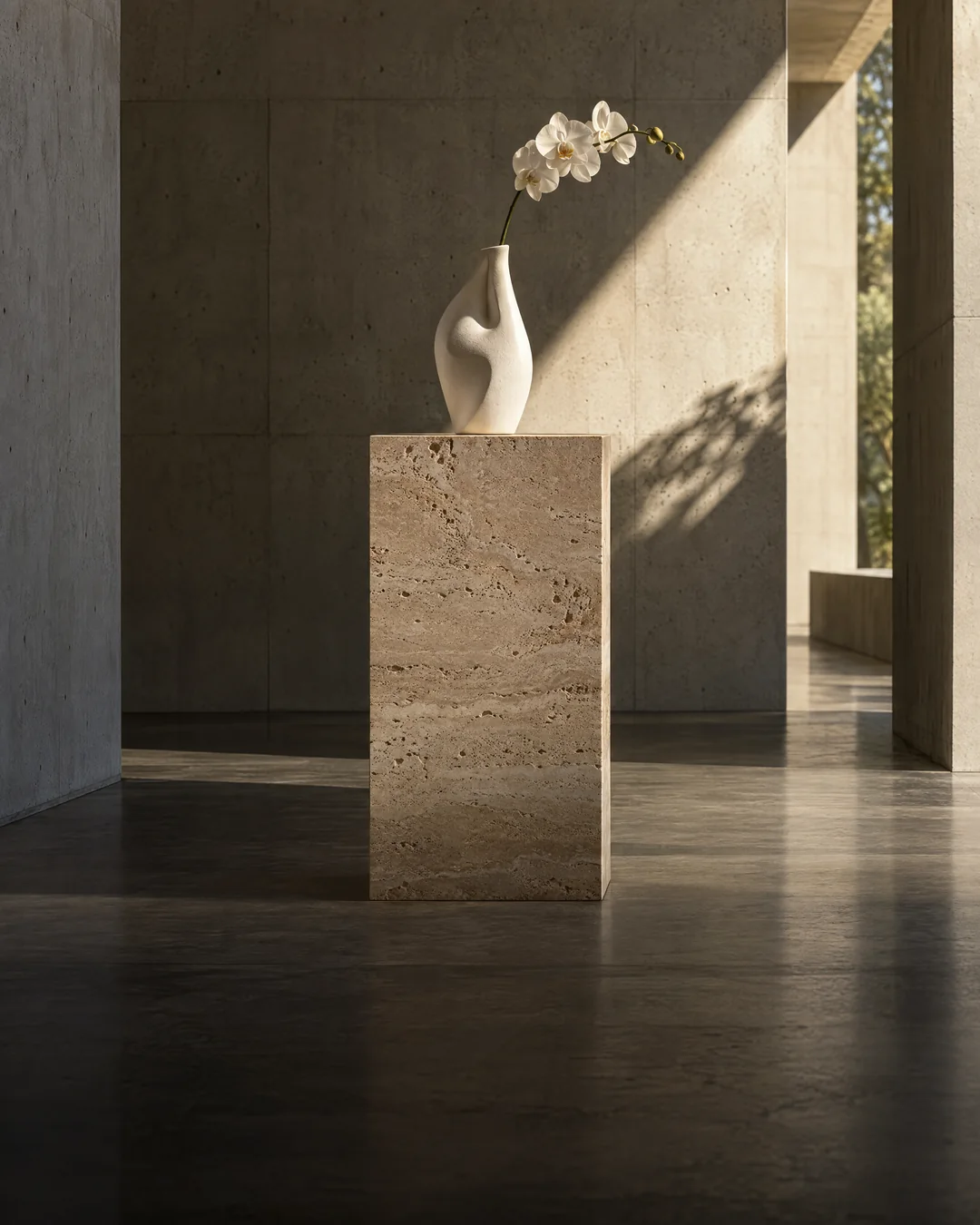
GPT Image 2.5 이미지 편집 API
OpenAI에서 GPT Image 2.5 방식으로 제공하는 이미지 편집 API입니다. OpenAI의 최상위 이미지 모델 — 정밀한 편집, 완벽한 텍스트, 최대 4K.
GPT Image 2.5 이미지 편집 사용해 보기
편집하거나 조합할 이미지 최대 16장. 프롬프트에서 “이미지 1”, “이미지 2”…와 같이 지정하세요.
출력 이미지 비율입니다.
출력 크기: 1K (≈1 MP), 2K (≈4 MP) 또는 4K (≈8 MP, 실험 단계)
렌더링 품질입니다. 품질을 높이면 출력 토큰을 더 많이 사용해 가격이 올라갑니다. xhigh와 max는 최종 결과물 제작에 적합합니다.
Google 또는 이메일로 무료 계정을 만들고 생성한 만큼만 결제하세요.
여기에 이미지 생성 결과가 표시됩니다.
프롬프트를 작성하고 설정을 선택한 뒤 실행하세요. 성공한 생성에만 결제합니다.
다음도 이용 가능: GPT Image 2.5 텍스트 → 이미지
GPT Image 2.5 이미지 편집으로 제작
Keep the bed, pillows, bedside tables, lamps, chair, suitcase, luggage rack, curtains, walls, flooring, camera position, and room lighting unchanged. Replace only the daytime city view outside the window with a calm ocean view at sunset, showing distant water and a soft peach-blue sky. Ensure the new exterior light matches the existing room naturally without changing the interior design.
Keep the woman’s face, hairstyle, clothing, pose, hands, coffee cup, laptop, table objects, camera angle, and indoor café layout unchanged. Change only the weather and exterior atmosphere outside the window to a rainy late afternoon, with wet pavement, soft reflections, umbrellas, and diffused gray-blue daylight. Add subtle rain streaks and realistic window reflections without making the interior dark or cinematic. Preserve the original casual smartphone-photo look.
Packaging design for an oat-milk carton called “OATLY GOOD”, pastel illustration, nutrition panel with legible text
A UI mockup of a meditation app home screen, soft gradients, three cards with short labels
- 이미지 편집
Replace the background with a sunlit Mediterranean terrace; keep the bottle and label exactly the same
GPT Image 2.5 이미지 편집 API
/api/v1/run/openai/gpt-image-2.5/edit비동기 작업을 제출하고 생성 ID가 포함된 HTTP 202 응답을 반환합니다. GET /api/v1/generations/{id}의 상태를 조회하거나 webhook_url를 전달하세요. 자세한 내용은 작업 수명 주기 문서를 참조하세요.
입력 매개변수
| 이름 | 유형 | 설명 | 가격에 영향 |
|---|---|---|---|
prompt필수 | string | 피사체, 동작, 카메라 움직임, 조명, 스타일을 설명하세요. | 예 |
image_urls필수 | string[] (URLs) | 편집하거나 조합할 이미지 최대 16장. 프롬프트에서 “이미지 1”, “이미지 2”…와 같이 지정하세요. 최대 항목 수: 16 | 없음 |
aspect_ratio | string (enum) | 출력 이미지 비율입니다. 허용값: 1:1 · 3:2 · 2:3 · 4:3 · 3:4 · 5:4 · 4:5 · 16:9 · 9:16 · 21:9 · 9:21 기본값: 1:1 | 예 |
resolution | string (enum) | 출력 크기: 1K (≈1 MP), 2K (≈4 MP) 또는 4K (≈8 MP, 실험 단계) 허용값: 1K · 2K · 4K 기본값: 1K | 예 |
quality | string (enum) | 렌더링 품질입니다. 품질을 높이면 출력 토큰을 더 많이 사용해 가격이 올라갑니다. xhigh와 max는 최종 결과물 제작에 적합합니다. 허용값: low · medium · high · xhigh · max 기본값: medium | 예 |
webhook_url | 문자열(URL) | 선택 사항. 완료된 생성을 웹훅 비밀키로 서명해 이곳으로 POST합니다. 웹훅 | 없음 |
요청
const API = "https://cheapergen.com/api/v1";
const headers = {
  Authorization: `Bearer ${process.env.CHEAPERGEN_API_KEY}`,
  "Content-Type": "application/json",
};

// 1. Submit the job
let job = await fetch(`${API}/run/openai/gpt-image-2.5/edit`, {
  method: "POST",
  headers,
  body: JSON.stringify({
    "prompt": "제품과 라벨은 그대로 유지하고 배경을 부드러운 미색 스튜디오 배경으로 바꾼 뒤 자연스러운 그림자를 더하세요",
    "image_urls": [
      "https://cdn.cheapergen.com/samples/portrait.jpg"
    ],
    "aspect_ratio": "1:1",
    "resolution": "1K",
    "quality": "medium"
  }),
}).then((r) => r.json());

// 2. Poll until it finishes (or pass webhook_url and skip polling)
while (job.status === "queued" || job.status === "running") {
  await new Promise((r) => setTimeout(r, 3000));
  job = await fetch(`${API}/generations/${job.id}`, { headers }).then((r) => r.json());
}

console.log(job.status === "succeeded" ? job.output.images[0].url : job.error);응답
{
  "id": "gen_8c2QmX1nq0k4",
  "object": "generation",
  "model": "openai/gpt-image-2.5",
  "endpoint": "openai/gpt-image-2.5/edit",
  "mode": "edit",
  "status": "queued",
  "input": {
    "prompt": "제품과 라벨은 그대로 유지하고 배경을 부드러운 미색 스튜디오 배경으로 바꾼 뒤 자연스러운 그림자를 더하세요",
    "image_urls": [
      "https://cdn.cheapergen.com/samples/portrait.jpg"
    ],
    "aspect_ratio": "1:1",
    "resolution": "1K",
    "quality": "medium"
  },
  "output": null,
  "error": null,
  "cost": {
    "amount_usd": 0.2255,
    "currency": "usd",
    "estimated": true,
    "official_usd": null,
    "list_price_source": "official",
    "list_price_label": "Official",
    "saved_usd": null
  },
  "source": "api",
  "started_at": null,
  "completed_at": null,
  "urls": {
    "get": "https://cheapergen.com/api/v1/generations/gen_8c2QmX1nq0k4",
    "cancel": "https://cheapergen.com/api/v1/generations/gen_8c2QmX1nq0k4/cancel"
  },
  "created_at": "2026-10-15T09:21:04Z"
}GPT Image 2.5 요금
결제 이미지당 사용한 만큼 결제하며 구독은 필요하지 않습니다 (월간 요금제은 선택 사항입니다). 생성 실패 시 자동으로 환불됩니다.
| 등급 | 공식 가격 | CheaperGen | 절감액 |
|---|---|---|---|
1K · 낮음 1024×1024 | $0.0061/img | −5% | |
2K · 낮음 2048×2048 | $0.0114/img | −8% | |
1K · 중간 1024×1024 | $0.0126/img | −8% | |
2K · 중간 2048×2048 | $0.0254/img | −7% | |
1K · high 1024×1024 | $0.0492/img | −8% | |
2K · high 2048×2048 | $0.0999/img | −7% |
- 공식 가격: gpt-image-2.5-sunburst의 OpenAI API 공식 가격 (이미지 출력 토큰 100만 개당 $30, 텍스트 입력 100만 개당 $5, 이미지 입력 100만 개당 $8; 이미지당 출력 토큰은 OpenAI GPT Image 2.5 가격 계산기 기준이며 일반적인 프롬프트 포함). 가격 확인일 2026년 10월 18일.
- 이미지당 가격은 정사각형 이미지와 일반적인 프롬프트를 기준으로 합니다. 입력 이미지마다 약 $0.016이 추가됩니다.
- xhigh와 max는 비용이 더 높습니다. 플레이그라운드에서 가격을 확인하세요.
OpenAI의 다른 모델 더 보기
인기 OpenAI 모델을 API 키 하나로 이용하세요.

비슷한 이미지 모델
인기 text-to-image 모델 타사 개발 모델.
Seedream5.0 Pro
텍스트 → 이미지 · 이미지 편집
프로덕션급 이미지 생성과 정밀한 편집
FLUX 3Image Klein
텍스트 → 이미지 · 이미지 편집
가중치를 공개한 FLUX 3 — 16단계 추론으로 몇 초 만에 이미지를 만들고, 가격은 1센트 미만

Nano Banana2.1
텍스트 → 이미지 · 이미지 편집
Google의 최신 Nano Banana — Pro 가격의 4분의 1로 최상위권 화질
Z-ImageTurbo
텍스트 → 이미지
Alibaba의 6B 공개 모델 — 8단계로 사진처럼 생생한 이미지를 만들고, 한 장당 1.5센트 미만