
MOSS Image Prompt Guide
How to write MOSS Image prompts: a structure that works, 4 example prompts for text to image, and the settings that change the result. Copy any prompt into the Studio to try it.
- Example prompts
- 4
- 1 task
- Size
- 2K
- 1K · 1.5K · 2K
- Aspect ratios
- 15
- 1:1 · 4:5 · 5:4 · 3:4
- Per try from
- $0.0384/image
- 1K
Try it
Try a prompt on MOSS Image
Run the example, then rewrite it with the structure and examples below. The price is on the button; failed runs are refunded.
Structure
A MOSS Image prompt, piece by piece
Write in this order and keep each part concrete. Physical detail works better than mood words.
01
Subject
The main subject and its key details: material, colour, expression, product features.
02
Composition
Framing and angle: close-up, flat lay, three-quarter view, rule of thirds, negative space.
03
Setting and light
Background, environment and lighting: studio softbox, golden hour, neon.
04
Style
Photo, illustration, 3D render or painting — plus lens or medium details.
Examples
MOSS Image prompt examples
Prompts written for this model, grouped by task. Open one in the Studio, then change one part at a time.
- Text to Image1:1
A wide view of a refrigerator beside a kitchen counter with a fruit bowl. A small sticky note on the refrigerator door is handwritten in Chinese: “记得买牛奶和鸡蛋!牛奶两盒,鸡蛋一打。”
Try in Studio - Text to Image2:3
Minimalist travel poster, cream background, a flat blue mountain illustration, the title “EXPLORE” in large dark-blue capitals at the top
Try in Studio - Text to Image4:3
A café chalkboard menu that reads “今日特饮 TODAY'S SPECIALS — 桂花拿铁 Osmanthus Latte $5”, chalk texture, warm interior light
Try in Studio - Text to Image
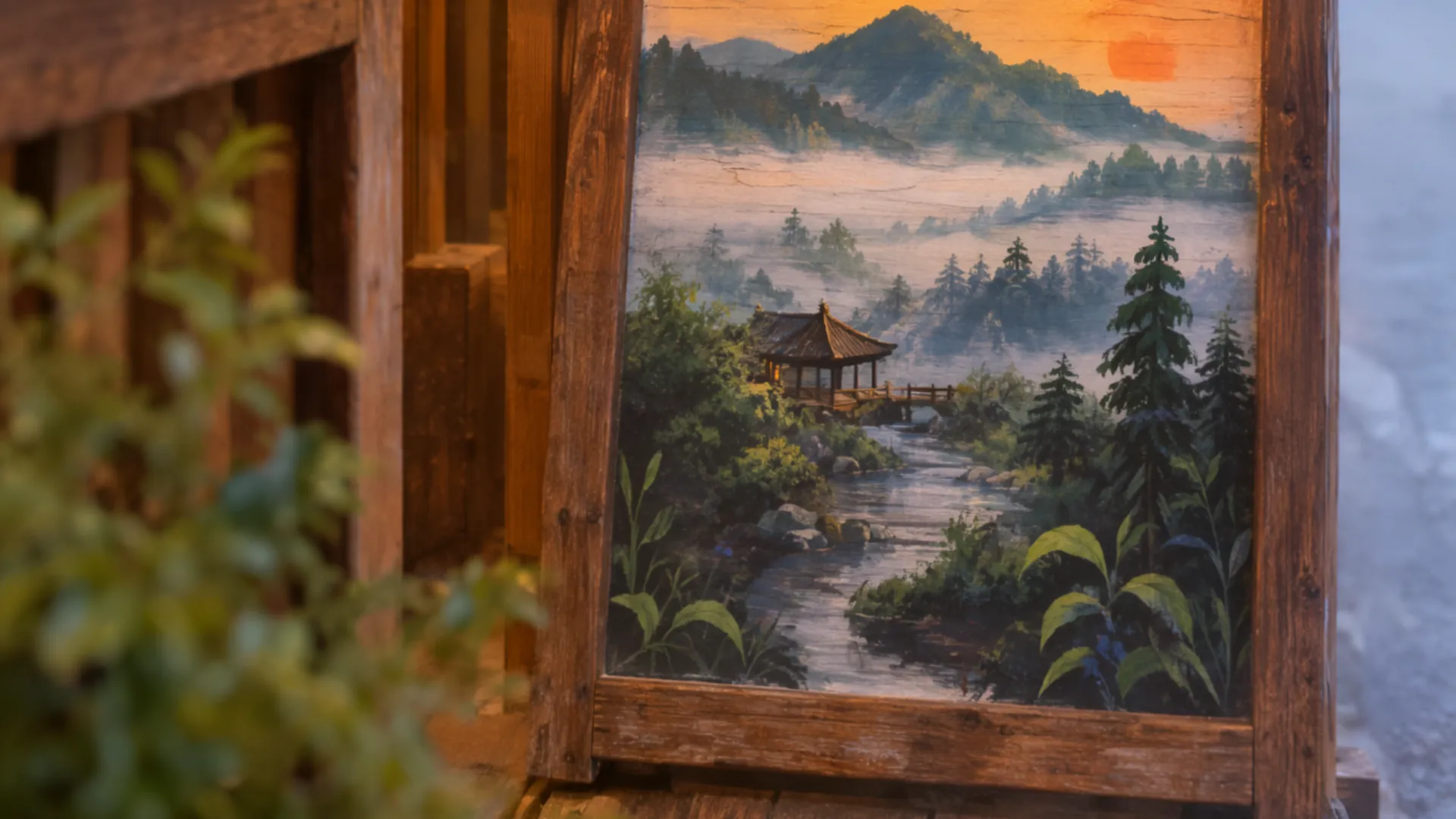
A hand-painted wooden sign outside a tea shop that reads “山间茶舍 MOUNTAIN TEA HOUSE — OPEN DAILY 9–6”, morning mist, warm light
Try in Studio
By task
Prompting each MOSS Image task
Text to Image
Lead with the subject, then composition, setting, light and style. Quote any text that must appear in the image.
Settings
Settings that change the result
Set these next to the prompt — in the Studio or as API parameters.
| Setting | Options | Effect |
|---|---|---|
| Aspect ratio aspect_ratio | 1:1 · 4:5 · 5:4 · 3:4 · 4:3 · 2:3 · 3:2 · 9:16 · 16:9 · 1:2 · 2:1 · 9:21 · 21:9 · 1:3 · 3:1 default 1:1 | Output image shape. At 1K: 1:1 = 1024 × 1024, 4:5 = 912 × 1136, 5:4 = 1136 × 912, 3:4 = 880 × 1168, 4:3 = 1168 × 880, 2:3 = 832 × 1248, 3:2 = 1248 × 832, 9:16 = 768 × 1360, 16:9 = 1360 × 768, 1:2 = 720 × 1440, 2:1 = 1440 × 720, 9:21 = 656 × 1552, 21:9 = 1552 × 656, 1:3 = 576 × 1760, 3:1 = 1760 × 576. Price: 1:1 $0.0384/image |
| Resolution resolution | 1K · 1.5K · 2K default 1K | Output size, the same price at every aspect ratio: 1K = 1 MP (1024 × 1024), 1.5K ≈ 2.25 MP (1536 × 1536), 2K = 4 MP (2048 × 2048) at 1:1, with 1 MP = 1024² px. Other ratios keep the pixels: each side is the 1:1 side × √ratio, rounded down to a multiple of 16 (e.g. 2K 16:9 = 2720 × 1536). Price: 1K $0.0384/image · 1.5K $0.0826/image · 2K $0.1534/image |
| Seed seed | — | Use the same seed and settings to reproduce a result. Leave empty for random. |
| Enable Safety Checker enable_safety_checker | on / off default true | If set to true, the safety checker will be enabled. Content our Acceptable Use Policy prohibits stays blocked either way. |
FAQ